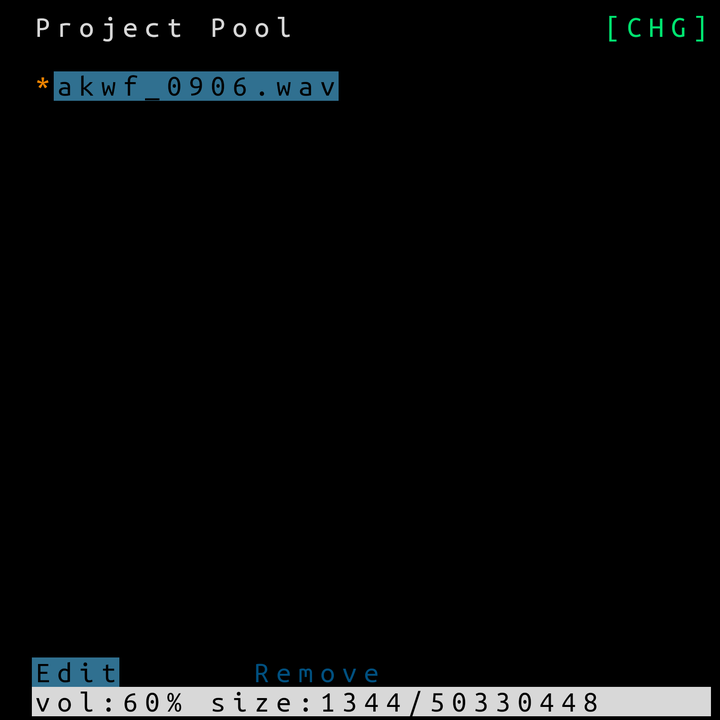
Project Pool
Introduction
The Project Pool is the sample browser for the samples that belong to the current project. It uses the same browser layout as the Sample Import view, but it shows the project sample pool directory instead of the global sample library.
Accessing the Project Pool
- Open the Sample Browser from the Project screen (select Sample Pool and press ENTER).
Using the Project Pool
- Navigate: Use the UP and DOWN arrow keys to move through the list.
- Preview: Hold PLAY to audition the selected sample.
- Edit: Select Edit and press ENTER to open the Sample Editor.
- Remove: Select Remove and press ENTER to delete the sample from the project pool.
- Return: Press NAV + LEFT to return to the previous screen.
Samples appear here after you import them into the project or record them. The pool is stored with the project, so loading a different project will show its own pool.